Docusaurus has React Router v5 built-in, but it doesn't support dynamic routes. This guide will show you how to add dynamic routes to Docusaurus.
What is a dynamic route? The most common example is a blog. You have a list of
blogs and you want to render a page for each blog. You can't do this with static
routes. Then you can construct a dynamic route like /blog/:blogId and render a
page, with blogId as a parameter.
Getting Started
There is a known issue that in the production build, the generated routes are not rendered immediately. Instead, it will render the Not Found page first, then it render the correct page. This issue is not found in the development build.
There are several steps to add dynamic routes to Docusaurus:
- Create a Docusaurus plugin to add your dynamic routes.
- A React component to render the page.
With these steps, we will build a dynamic route to view books. The route will be
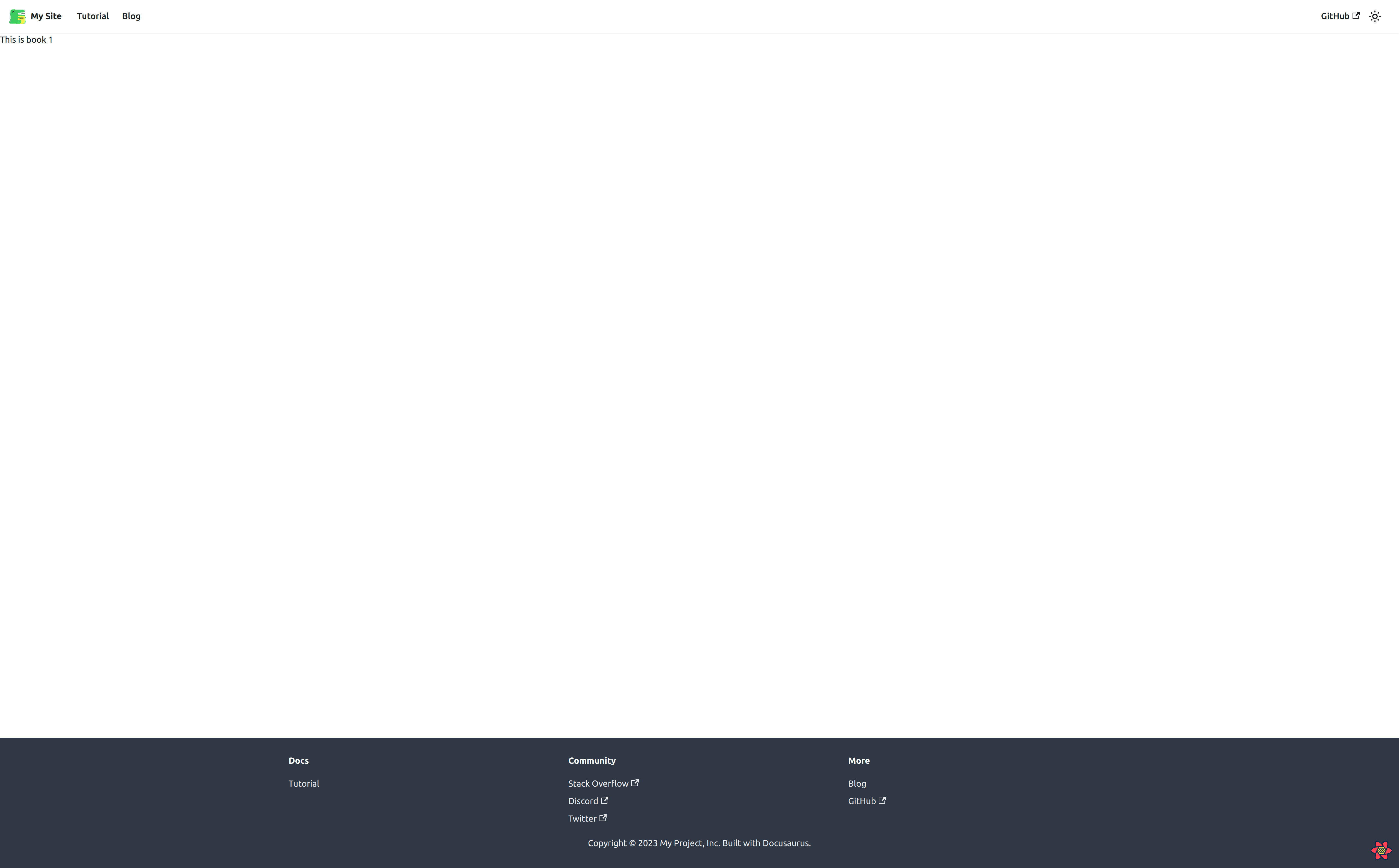
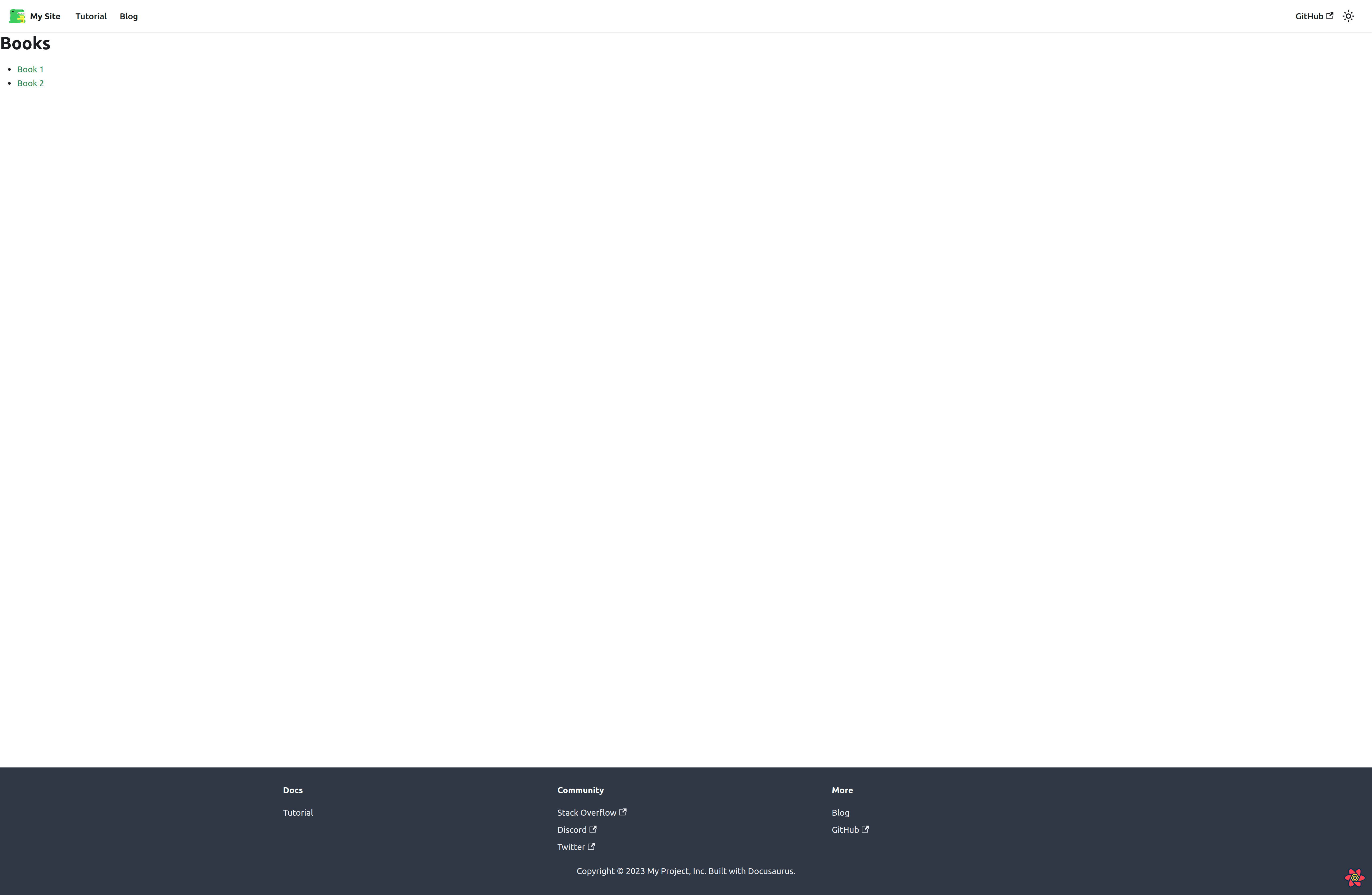
/books/:bookId. Our final result will look like this:
Install react-router-dom
By default, Docusaurus
exports
only useHistory, useLocation, Redirect, and matchPath from
react-router-dom. To use Route and Switch, you need to install
react-router-dom manually:
pnpm add react-router-dom@5.3.4
react-router-dom v6 is not mentioned to be compatible with Docusaurus v2 yet.
So, please use react-router-dom v5 instead.
Create a Docusaurus Plugin
Docusaurus has an action
addRoute
from
contentLoaded
plugin method to add your route to the website. But instead of using this action
to add a single route, we can create our custom plugin to add multiple routes:
module.exports = function dynamicRoutePlugin(context, options) {
  return {
    name: 'plugin-dynamic-route',
    contentLoaded({ actions }) {
      const { routes } = options;
      const { addRoute } = actions;

      routes.forEach((route) => addRoute(route));
    },
  };
};
Then we can add this plugin to docusaurus.config.js:
const config = {
  plugins: [
    [
      './src/plugins/plugin-dynamic-route/index.js',
      {
        routes: [
          {
            // using Route schema from react-router
            path: '/books',
            exact: false, // this is needed for sub-routes to match!
            component: '@site/src/components/layouts/BookLayout/index',
          },
        ],
      },
    ],
  ],
};
We will create the BookLayout component in the next step.
Render Book page
Because this is a custom route and we don't want Docusaurus to render it, we
have to add an underscore (_) to the beginning of the file name. This is a
convention in Docusaurus to tell Docusaurus to
ignore this file and do not create a route for
it.
First, we will create an index page to list all books:
import React from 'react';

const BookPage = () => {
  return (
    <div>
      <h1>Books</h1>
      <ul>
        <li>
          <a href="/books/1">Book 1</a>
        </li>
        <li>
          <a href="/books/2">Book 2</a>
        </li>
      </ul>
    </div>
  );
};

export { BookPage };
Although it's not mandatory to create dynamic routes within src/pages, it's a
good convention to follow. This way, you can easily find all dynamic routes in
one place.
Then create a page for the individual book:
import React from 'react';
import { useRouteMatch } from 'react-router-dom';

const BookDetail = () => {
  const match = useRouteMatch();
  const { bookId } = match.params;
  return <div>This is book {bookId}</div>;
};

export { BookDetail };
Once again, naming your file with brackets ([]) is not mandatory, you can name
it anything you want. This paradigm is used in
Next.js
and it's a good convention.
Furthermore, Docusaurus follows this
convention in src/pages
folder too.
Finally, create a layout component to handle the routing for book pages:
- Wrap the content with the
Layoutcomponent from Docusaurus. - Use
SwitchandRoutefromreact-router-domto render the correct page based on the route. - Use the
NotFoundcomponent from Docusaurus to render a 404 page if the route is not found.
import Layout from '@theme/Layout';
import NotFound from '@theme/NotFound';
import React from 'react';
import { Route, Switch, useRouteMatch } from 'react-router-dom';
import { BookDetail } from '@site/src/pages/_books/[bookId]';
import { BookPage } from '@site/src/pages/_books/index';

function BookLayout() {
  const match = useRouteMatch();

  return (
    <Switch>
      <Route exact path={`${match.path}/:bookId`}>
        <Layout title="Book detail">
          <BookDetail />
        </Layout>
      </Route>

      <Route exact path={match.path}>
        <Layout title="Book list">
          <BookPage />
        </Layout>
      </Route>

      <Route>
        <NotFound />
      </Route>
    </Switch>
  );
}

export default BookLayout;
Result
/books: Render a list of books/books/1: Render book detail